


Your coding agents. On your computer, in your pocket.
Claude Code, Codex, Grok and OpenCode work on your own machine, with a browser, a canvas and a video editor. Follow them, answer them and approve their changes from your phone.
Version 0.9.29 · macOS 13+
Hand off the work. Keep the decisions.
Say what you want done. An agent plans it, edits the code, runs it and tests it, and asks you before anything that matters.
Plan first, or let it build
Ask for a plan to approve, let it edit with your OK, or let it run on its own. Pick per chat.
You approve what counts
Edits, commands and deploys wait for your Allow. Deny, and it finds another way.
Many agents at once
Run a session per task, side by side. Each one keeps its own chat, folder and changes.
The agent that fits the task.
Sign in with the accounts you already pay for. Studio picks up your Claude skills, MCP servers, plugins and hooks.
On your computer. In your pocket.
Agents run where your code is. The phone app connects to them from anywhere.
Your computer
The editor and the Agents window, where your agents work: macOS, with Windows and Linux rolling out.
Your phone
Every session, every answer and every approval on iPhone and Android, over Wi-Fi or from across town.
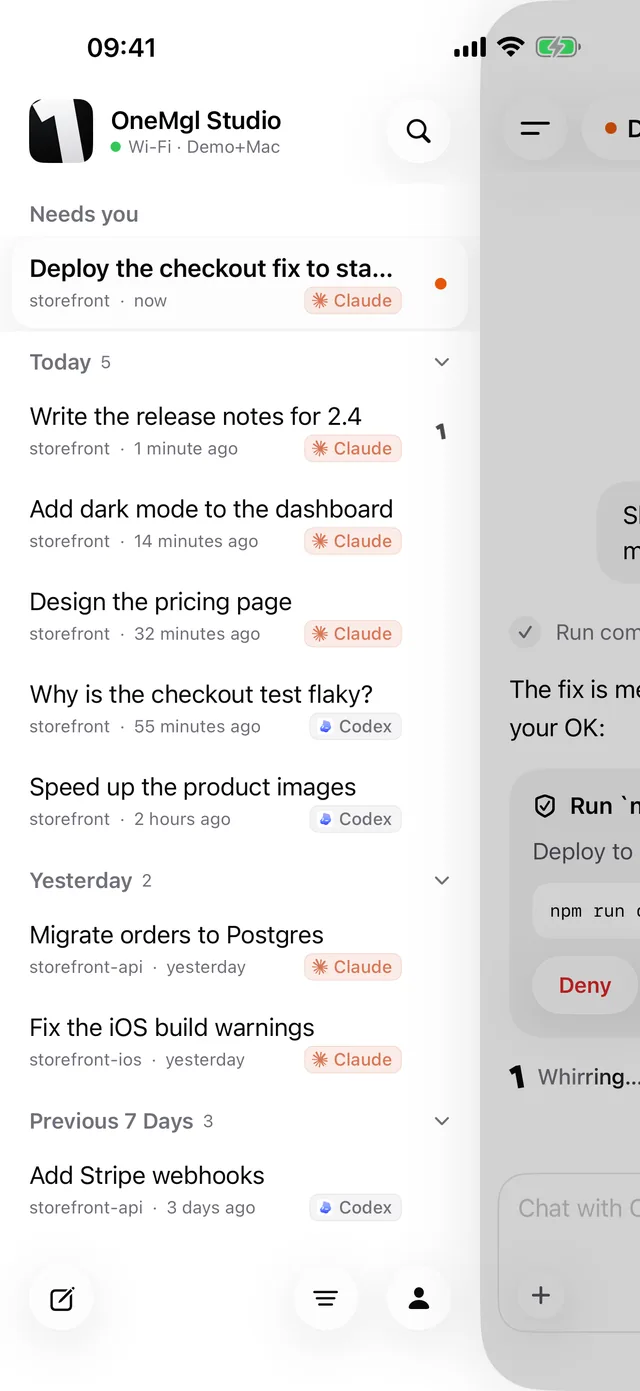
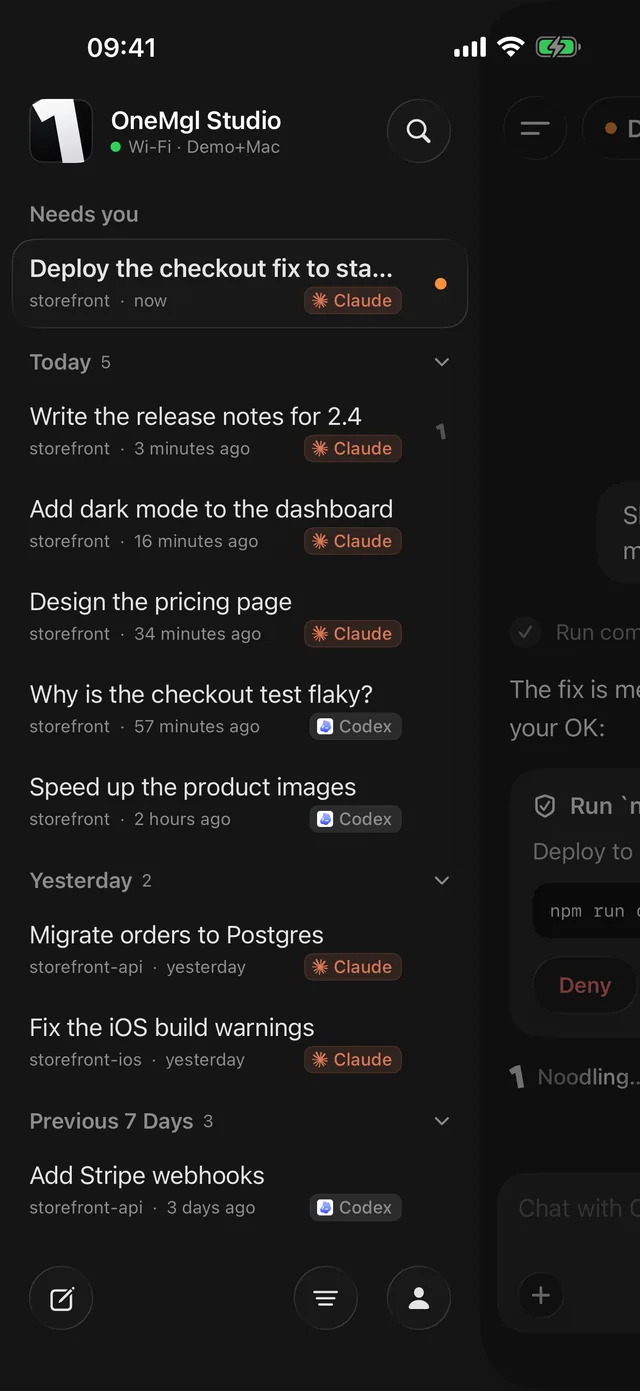
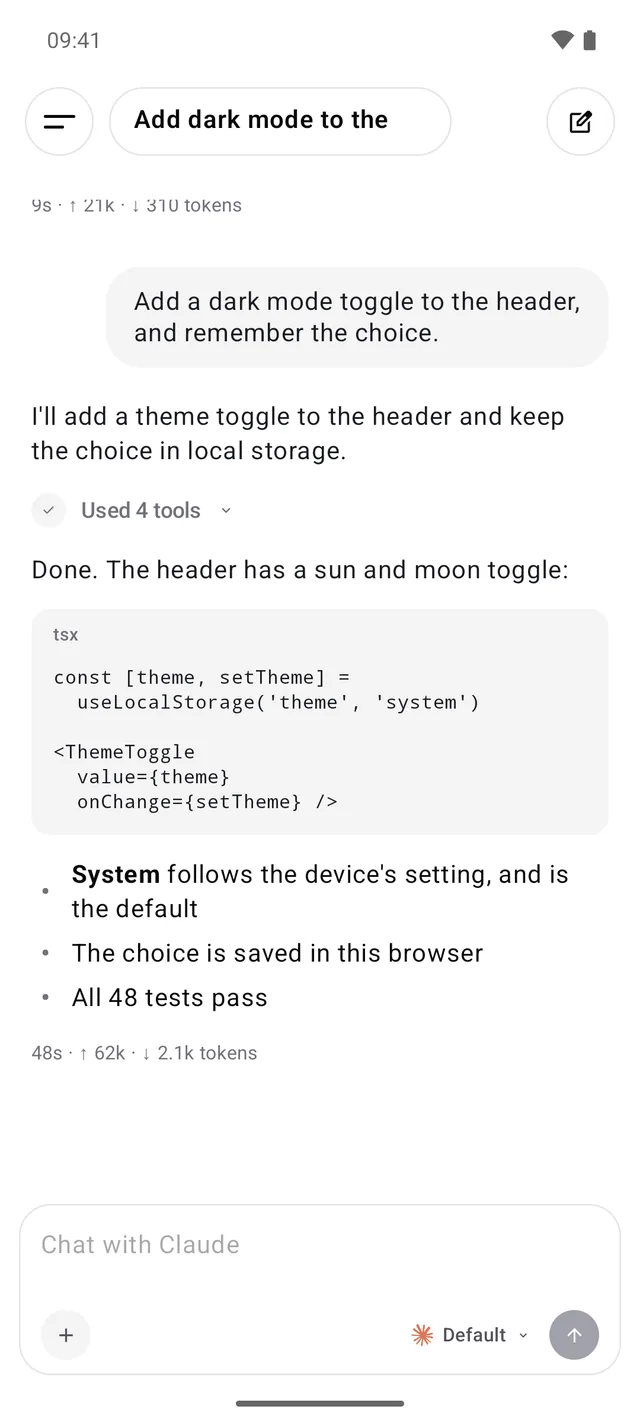
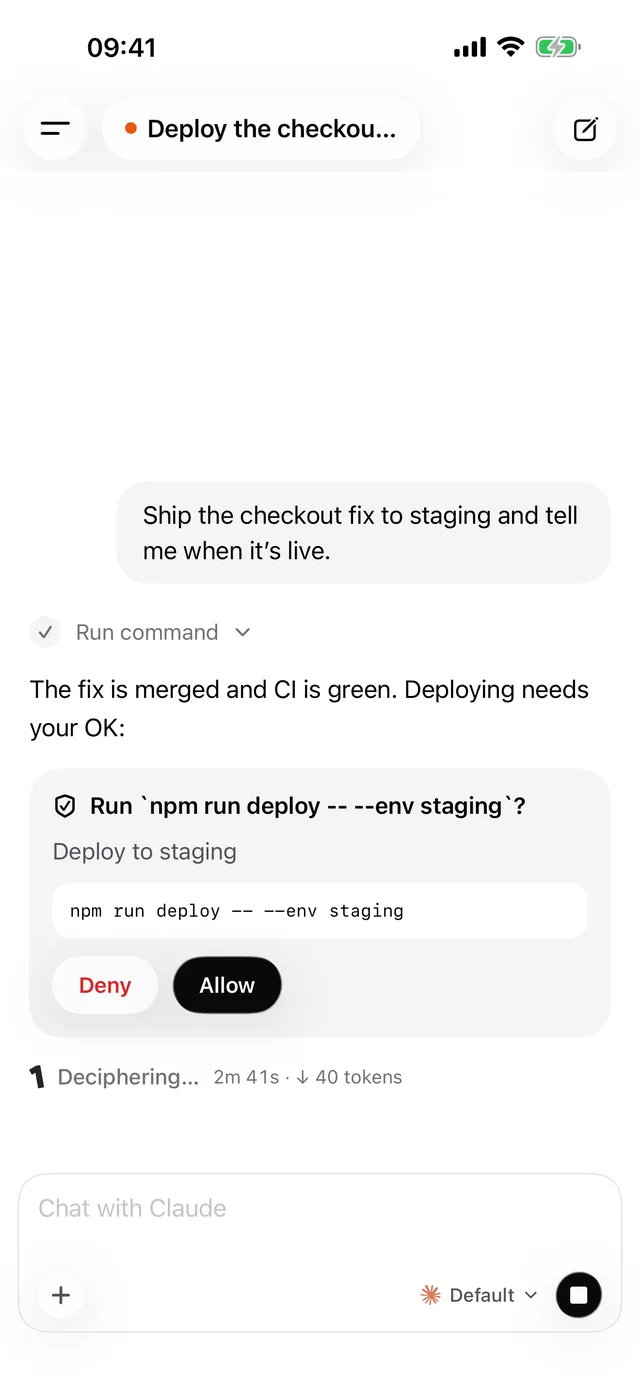
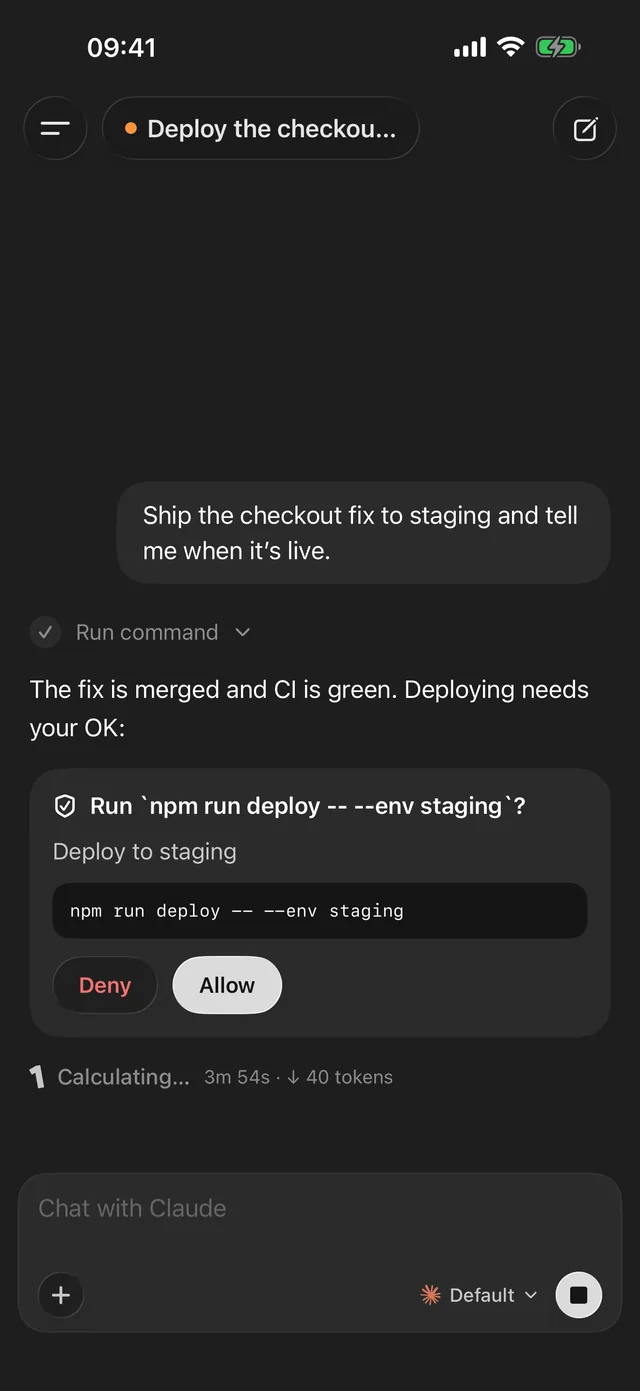
Never miss the moment it needs you.
A notification when an agent asks a question, finishes or fails. Allow or deny right from the lock screen, and it carries on.
Talk it through.
Turn on Voice Conversation and talk with your chat's agent hands-free. It listens, sends what you said and reads the start of its answer back.
Add a dark mode toggle to the header.
On it. I'll add a sun and moon toggle and remember your choice.
Tools your agents use in front of you.
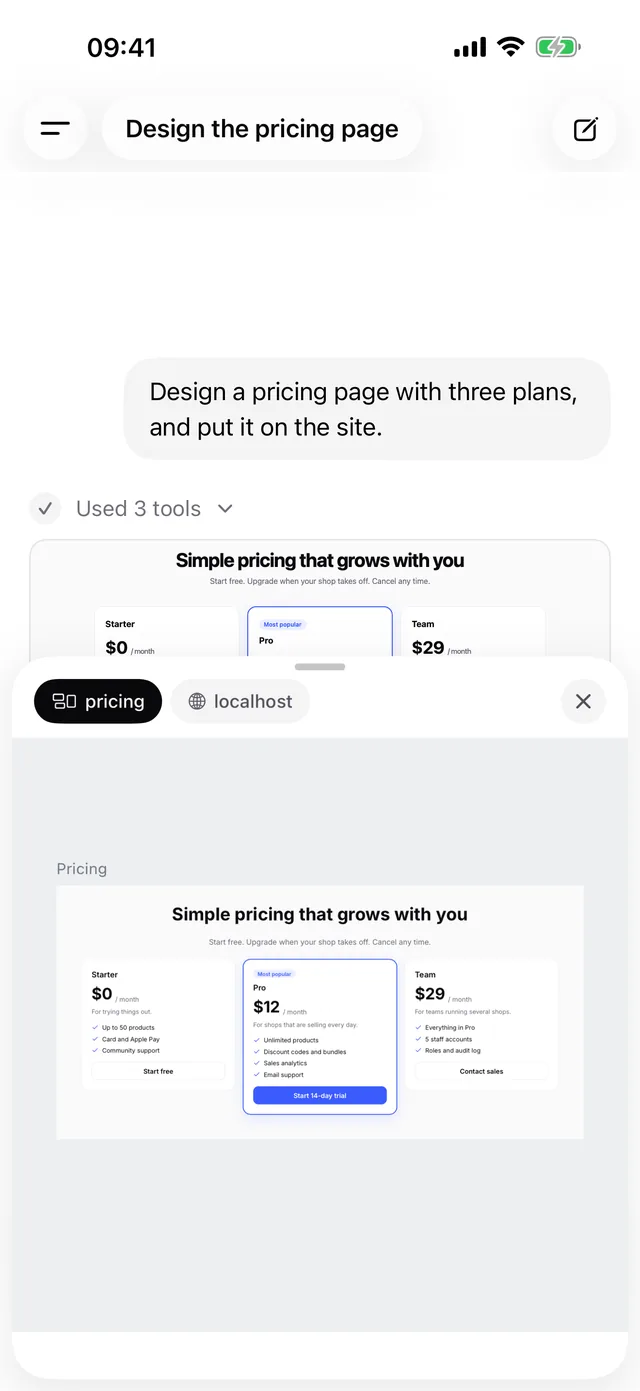
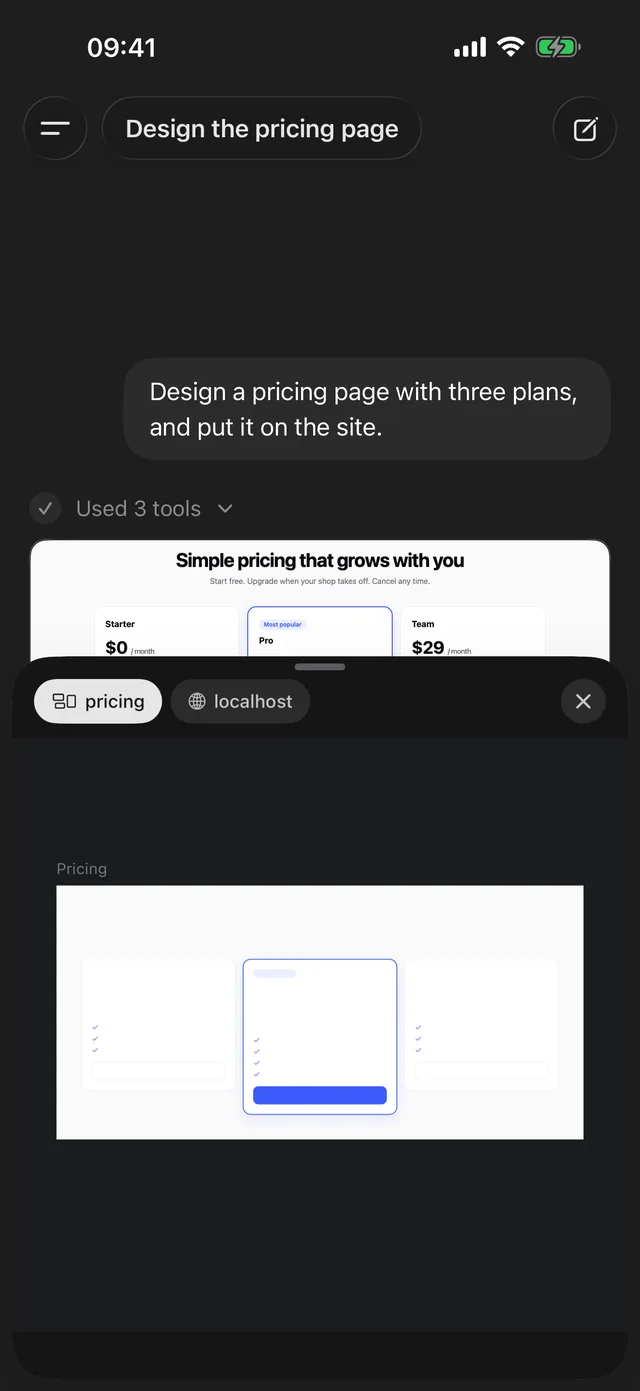
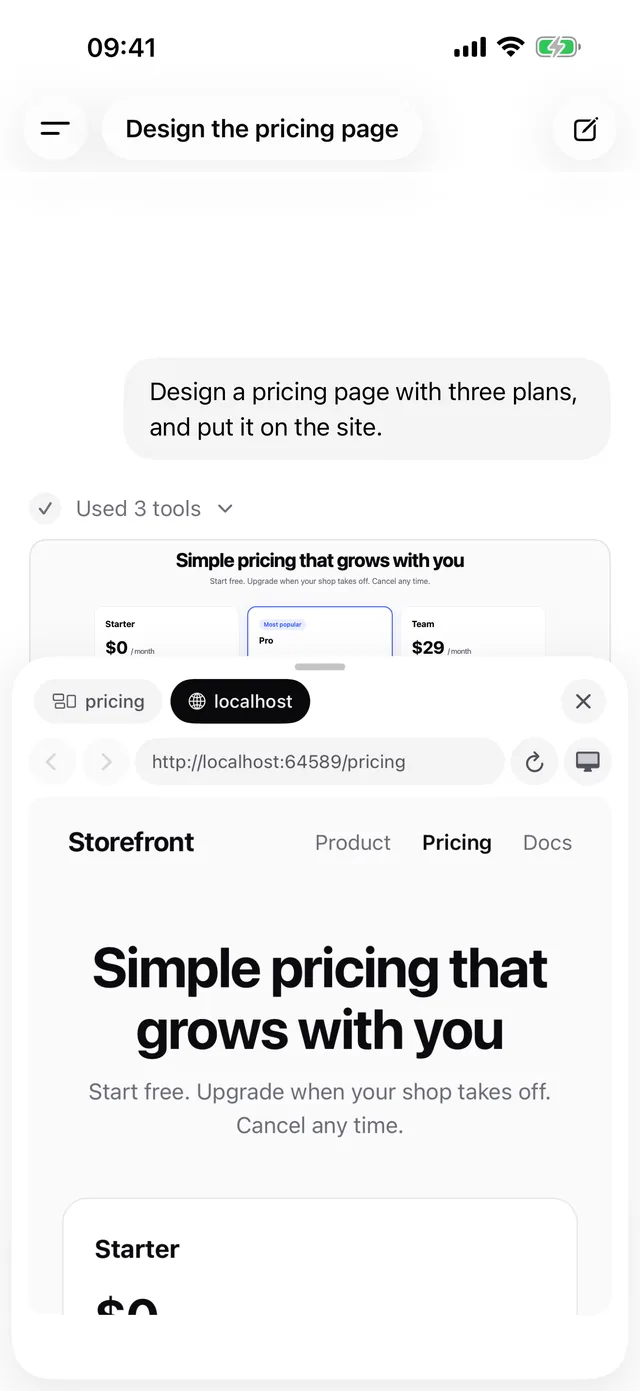
Not just a terminal. Your agents open pages, draw designs and cut video, and you see every step.
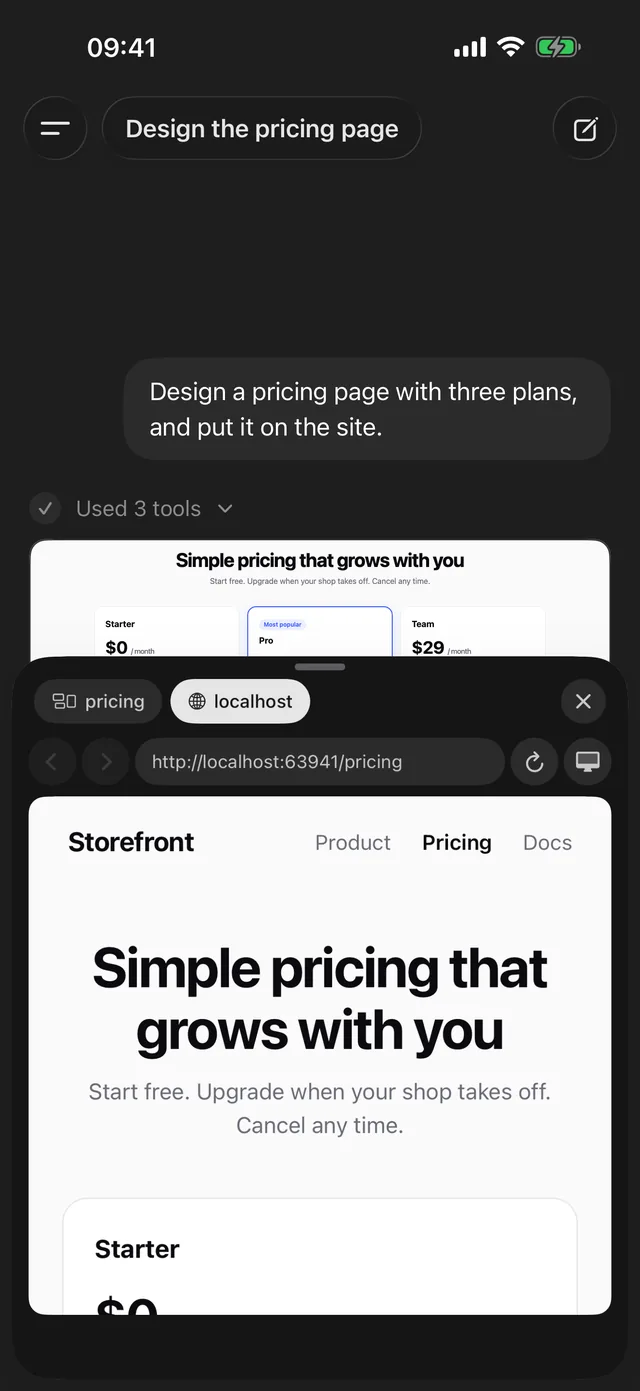
Browser
Agents open pages, click, type and take screenshots. Your sign-ins stay put.
One Canvas
A design canvas where agents lay out frames, text and colour variables.
One Video
Import, trim, caption and cut the silences, together with your agent.
Changes
Review each edit as a diff before you keep it.
Private by design.
Runs on your computer
Agents work on your machine and talk straight to the AI service you chose. We never see your code.
Encrypted end to end
Phone and computer share a key from pairing. Our relay and push services only ever carry sealed messages.
No tracking
No ads, no analytics, no selling your data.
What's new
A new version every few days. Studio updates itself.
Questions
Yes. Studio and the phone apps are free. Agents run within your own Claude, ChatGPT (Codex) or Grok plan.
Mac (Apple silicon or Intel, macOS 13 or later), Windows 10 and 11, and Linux (x64 and ARM64: .deb, .rpm and .tar.gz). The phone apps pair with Studio on a Mac for now.
Nowhere new. Agents run on your computer and talk directly to the AI service you chose (Anthropic, OpenAI, xAI…). OneMgl never sees or stores your code.
Scan the QR code in Studio's Settings → Phone once. On the same Wi-Fi the phone connects directly; elsewhere, through our relay, encrypted end to end.
Studio is built on VS Code's open-source core (Code - OSS). Extensions come from Open VSX.